JavaScript ES6+ Features – Modern JavaScript Made Easy

I’m Arjun Saxena, a passionate software developer specializing in web engineering. I believe in writing code that creates real solutions to real problems. I love building efficient, user-friendly applications and constantly push myself to learn new technologies. Beyond coding, I enjoy sharing knowledge and growing together with others in the tech community.
Destructuring, Template Literals, Spread & Rest, Map and Set (Beginner Friendly)
JavaScript has evolved a lot after ES6 (2015).
Modern JavaScript lets you write cleaner, shorter, and more readable code.
In this blog, we’ll understand important ES6+ features with simple examples:
Destructuring
Template Literals
Spread & Rest Operators
Map & Set
All explained in a beginner-friendly way.
Why ES6+ Matters?
Before ES6:
Code was long 😓
Hard to read
More boilerplate
After ES6:
Cleaner syntax ✨
Less code
More powerful features
1️⃣ Destructuring in JavaScript
Extracting Values from Objects and Arrays Easily
Destructuring allows you to take values out of arrays or objects and store them in variables — in one line.
Array Destructuring
❌ ES5 Way
const numbers = [10, 20, 30];

const a = numbers[0];
const b = numbers[1];
const c = numbers[2];
✅ ES6 Way
const numbers = [10, 20, 30];
const [a, b, c] = numbers;
✔ Same result
✔ Less code
✔ More readable
Object Destructuring
❌ ES5 Way
const user = {
  name: "Arjun",
  age: 22,
  city: "Delhi"
};

const name = user.name;
const age = user.age;
✅ ES6 Way
const user = {
  name: "Arjun",
  age: 22,
  city: "Delhi"
};

const { name, age } = user;
📌 Very useful when working with API responses.
2️⃣ Template Literals
A Better Way to Handle Strings
Template literals use backticks (`) instead of quotes.
They allow:
Variables inside strings
Multi-line strings
Variables Inside Strings
❌ Old Way
const name = "Arjun";
const msg = "Hello " + name + ", welcome!";
✅ Template Literals
const name = "Arjun";
const msg = `Hello ${name}, welcome!`;
✔ Cleaner
✔ Easier to read
Multi-Line Strings
const message = `
Hello Arjun,
Welcome to JavaScript ES6.
Happy Coding!
`;
📌 No more \n headaches!
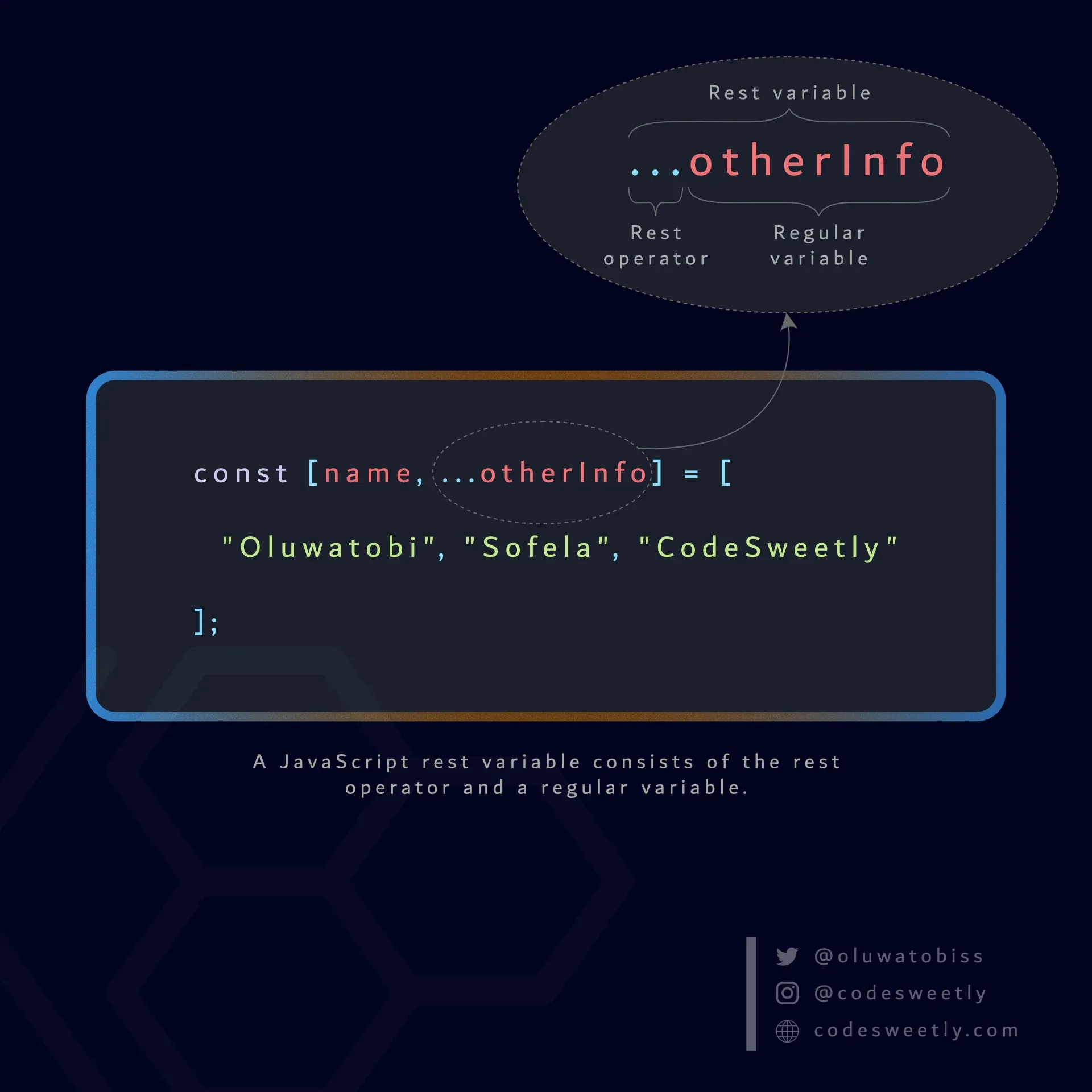
3️⃣ Spread and Rest Operators (...)
Same Symbol, Different Jobs


Spread Operator
👉 Expands values
Example: Copying an Array
const arr1 = [1, 2, 3];
const arr2 = [...arr1];

console.log(arr2); // [1, 2, 3]
Merging Arrays
const frontend = ["HTML", "CSS"];
const backend = ["Node", "DB"];

const fullStack = [...frontend, ...backend];
✔ No loops
✔ No concat()
Spread with Objects
const user = { name: "Arjun", age: 22 };
const updatedUser = { ...user, city: "Delhi" };
Rest Operator
👉 Collects values
Example: Function Arguments
function sum(...numbers) {
  let total = 0;
  for (let num of numbers) {
    total += num;
  }
  return total;
}

sum(1, 2, 3, 4); // 10
📌 Rest packs multiple values into one array.
Spread vs Rest (One Line Difference)
| Spread | Rest |
| Expands | Collects |
| Used when calling | Used in parameters |
[...arr] | (...args) |
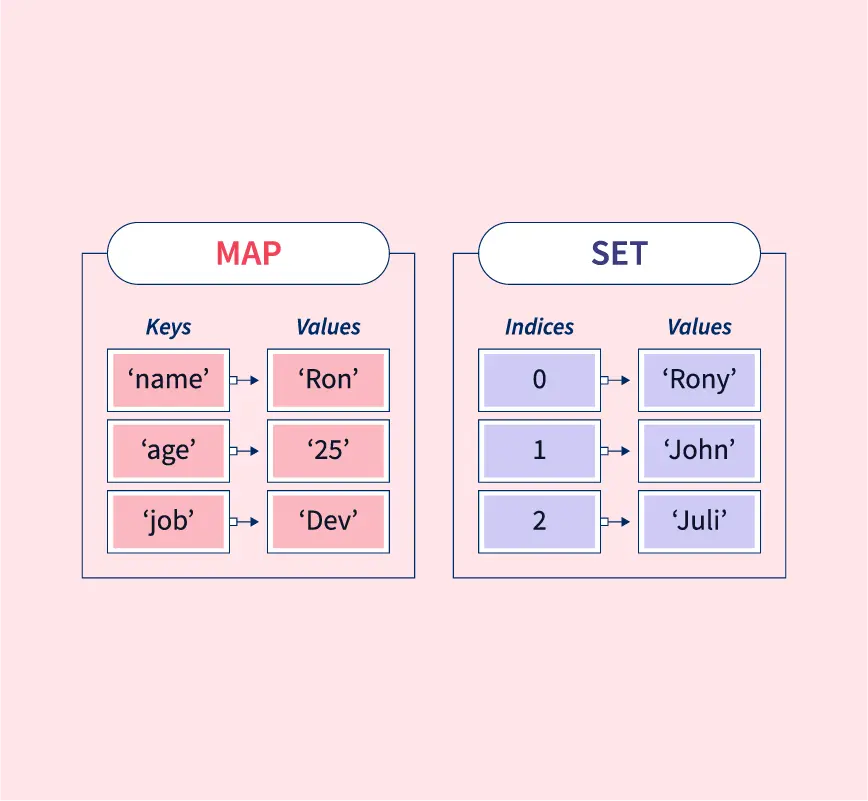
4️⃣ Map and Set
Modern JavaScript Data Structures
Map
👉 Key-Value pairs (like objects, but better)
const userMap = new Map();

userMap.set("name", "Arjun");
userMap.set("age", 22);

console.log(userMap.get("name")); // Arjun
Why Map is Better than Object?
Any data type as key
Maintains order
Better performance for large data
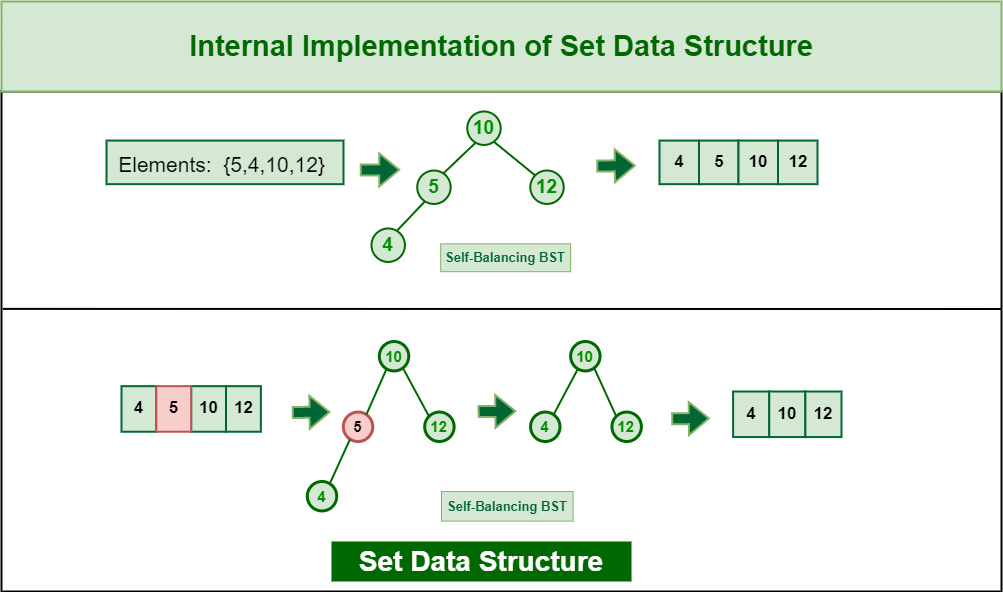
Set
👉 Stores unique values only
const numbers = new Set();

numbers.add(1);
numbers.add(2);
numbers.add(2);

console.log(numbers); // {1, 2}
📌 Automatically removes duplicates.
Practical Use Case of Set
const arr = [1, 2, 2, 3, 3];
const uniqueArr = [...new Set(arr)];
✔ Clean
✔ Efficient
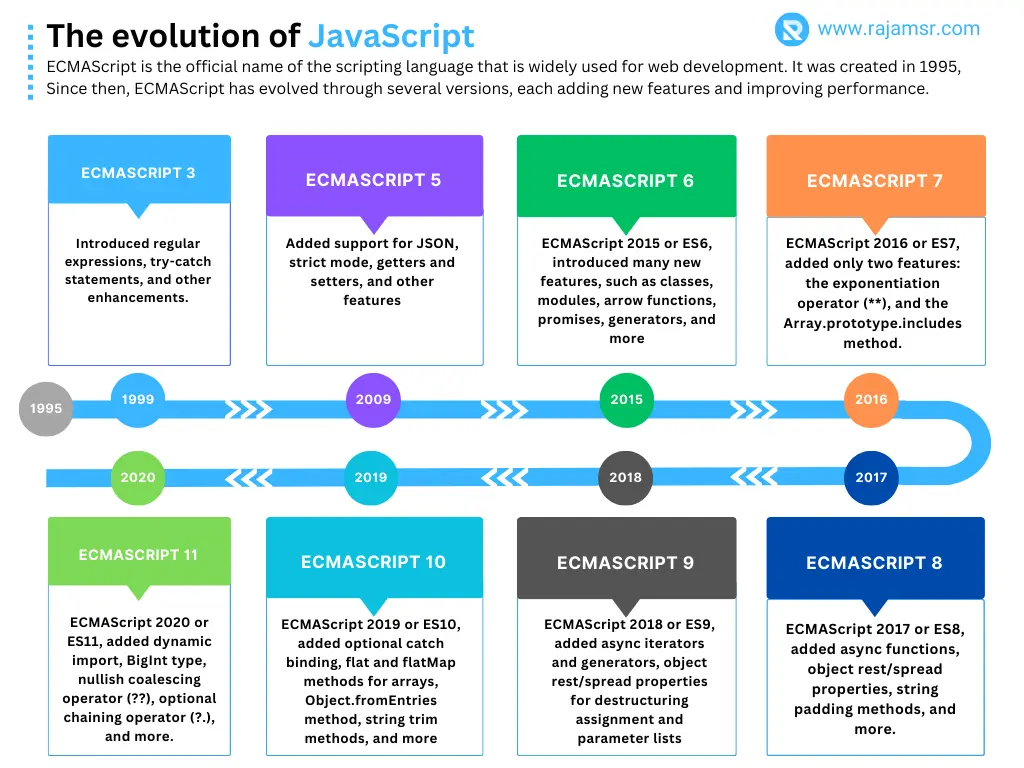
ES5 vs ES6 – Quick Comparison
| Feature | ES5 | ES6+ |
| Variables | var | let, const |
| Strings | + | Template literals |
| Arrays | manual access | Destructuring |
| Functions | long syntax | Arrow functions |


