Polyfills in JavaScript
I’m Arjun Saxena, a passionate software developer specializing in web engineering. I believe in writing code that creates real solutions to real problems. I love building efficient, user-friendly applications and constantly push myself to learn new technologies. Beyond coding, I enjoy sharing knowledge and growing together with others in the tech community.
Bridging Gaps Between Old Browsers and Modern JavaScript
Ever written modern JavaScript code and seen it break in older browsers?
That’s where polyfills come to the rescue.
In this blog, you’ll learn:
What a polyfill is and why it’s important
How JavaScript engines work (simple explanation)
How to write your own polyfills step by step
Common polyfills every developer should know
All explained in a beginner-friendly, real-world way.
What Is a Polyfill? 🤔
Simple Definition
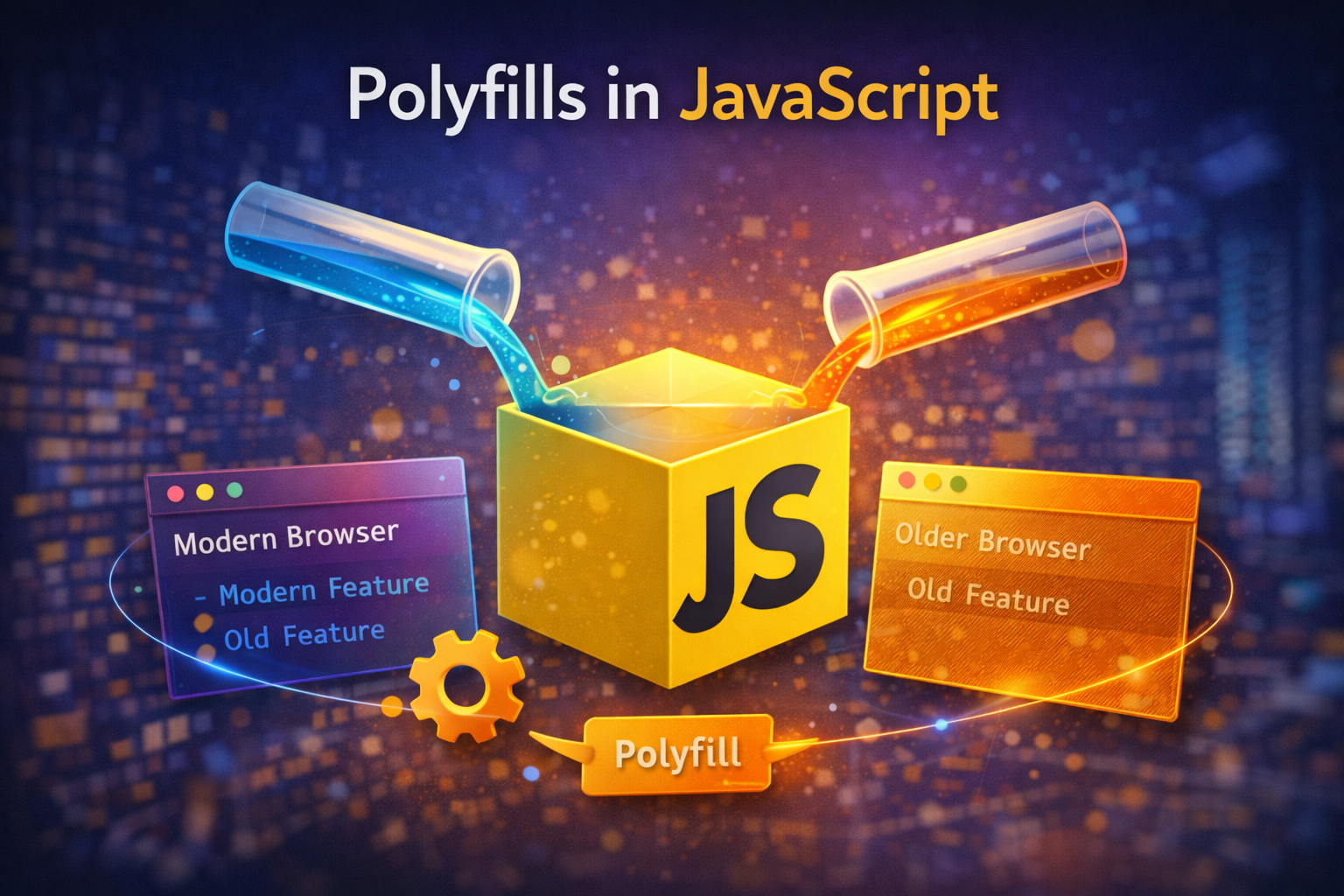
A polyfill is JavaScript code that adds missing features to older browsers.
If a browser does not support a modern feature, a polyfill:
Detects the missing feature
Adds a fallback implementation
Real-World Example 🌍
Problem: Old Browser ❌
const arr = [1, 2, 3];
arr.includes(2); // ❌ Error in old browsers
Older browsers don’t understand Array.includes().
Solution: Polyfill ✅
if (!Array.prototype.includes) {
  Array.prototype.includes = function (value) {
    return this.indexOf(value) !== -1;
  };
}
✔ Now the code works everywhere
✔ Modern syntax + backward compatibility
Why Polyfills Are Important 🛠️
Without polyfills:
❌ App breaks on old browsers
❌ Users get blank screens
❌ You must avoid modern JS
With polyfills:
✅ Write modern JavaScript
✅ Support older browsers
✅ Safer production apps
How JavaScript Engines Work (Simple Explanation)
Each browser has a JavaScript engine:
Chrome → V8
Firefox → SpiderMonkey
Safari → JavaScriptCore
What an Engine Does:
Reads JavaScript code
Checks if features exist
Executes supported features
Throws error for unsupported ones
📌 Polyfills fill those missing feature gaps.
Why Some Browsers Don’t Support New Features?
JavaScript evolves every year
Browsers update at different speeds
Old devices stop receiving updates
Result 👉 Feature mismatch
Feature Detection (Core Idea Behind Polyfills)
Before using any feature:
if (featureExists) {
  useIt();
} else {
  fallback();
}
This is the heart of every polyfill.
Writing Your Own Polyfill (Step by Step) ✍️
Let’s build one together.
Example 1: Polyfill for Array.includes()
Step 1: Check if Feature Exists
if (!Array.prototype.includes) {
  // add polyfill
}
Step 2: Implement Logic
if (!Array.prototype.includes) {
  Array.prototype.includes = function (value) {
    for (let i = 0; i < this.length; i++) {
      if (this[i] === value) {
        return true;
      }
    }
    return false;
  };
}
✔ Uses basic loop
✔ Works in old browsers
✔ Matches original behavior
Example 2: Polyfill for Array.map()
Original Usage
[1, 2, 3].map(num => num * 2);
Polyfill Implementation
if (!Array.prototype.map) {
  Array.prototype.map = function (callback) {
    let result = [];

    for (let i = 0; i < this.length; i++) {
      result.push(callback(this[i], i, this));
    }

    return result;
  };
}
📌 This teaches how native JS methods work internally.
Common Polyfills Every Developer Should Know 📚
| Feature | Why Needed |
| Array.includes | Old browsers |
| Array.map | Legacy support |
| Array.filter | Data filtering |
| Promise | Async support |
| fetch | API calls |
| Object.assign | Object merging |
Polyfills vs Transpilers (Important Difference)
| Polyfills | Transpilers |
| Add missing features | Convert syntax |
| Runtime solution | Build-time solution |
| Example: includes | Example: arrow functions |
📌 Babel = Transpiler
📌 Core-js = Polyfill library
Flowchart: How Polyfills Work 🔄


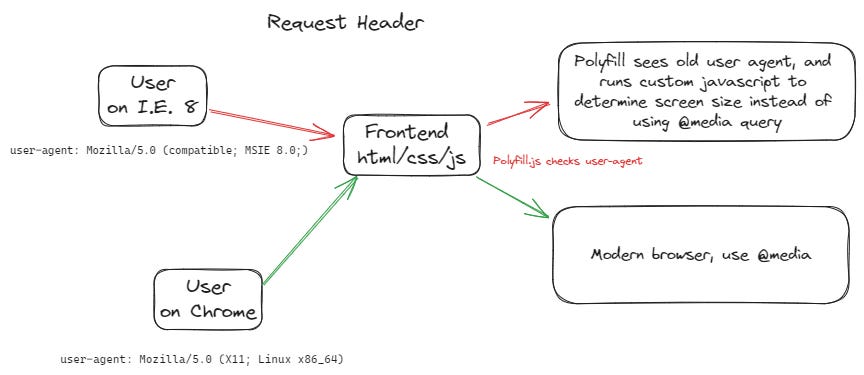
Flow:
Check feature → Exists? → Use it
             → Missing? → Apply polyfill
Best Practices When Using Polyfills ✅
✔ Always use feature detection
✔ Don’t overwrite existing methods
✔ Use trusted libraries (core-js)
✔ Load polyfills before app code
When You Should NOT Write Your Own Polyfill ❌
For complex features (Promises, fetch)
When trusted libraries exist
When browser support is no longer required


